Tag: Process Post

  • Saving Space

    1–2 minutes

    Development on my site has been a bit stagnant this week as I’ve been working on other courses and have a larger-scale blog post in the works. In the meantime, I’ve also been looking into alternative ways to add content on my website. So far, I’ve been uploading my photos to my WordPress media library, but this limits me to a maximum file size of two megabytes with a maximum of two gigabytes of storage. I have already used over 700 megabytes of this, and will quickly burn through the rest if I continue to import my photos.

     Up to this point, I have been using Elementor’s Image Optimization plugin, which compresses my photos to be well under the limit. The downside is that I have hit my free limit for the number of photos I can optimize with the plugin. I’ve noticed that as a whole, Elementor locks many of their products behind paywalls and makes them nearly useless without paying additional subscriptions, so I am working on alternatives.

    While I have found other optimization plugins, I’m also looking into embedding content from other sites. I have an inactive Flickr account that I set up from high school that I have been meaning to update, and this seems like a perfect opportunity to do so, as it will both let me have all of my photography in a single place, while also theoretically saving space on my website. This would also give me a way to directly add my existing short films that are posted on Youtube to my website. I’m not familiar with embed codes, so I will need to do more research.
  • Growing the Garden

    1–2 minutes

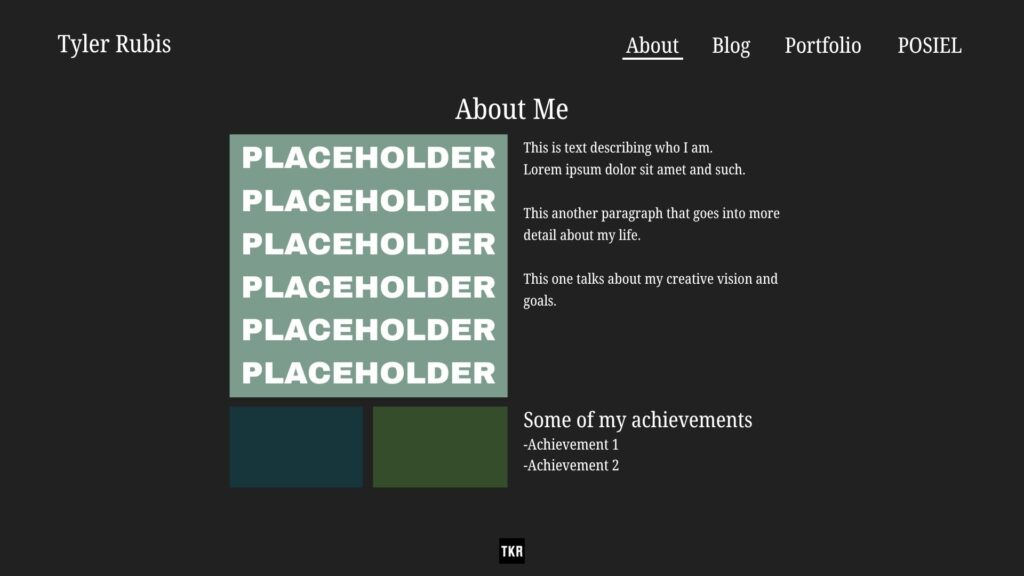
    I’ve been working on a number of improvements to my site, many of which I discussed in my previous process post “Site Layout Planning,” such as organizing my POSIEL content into tabs for Process Posts, Mini Assignments, and Peer Assessments. I also added more to my About Me page, with a new section for my achievements, listing films of mine that have been nominated or selected for film festivals.

    I also began adding content to my portfolio page, though I still have a lot of work to do there. I’m struggling a bit with how to lay out my work, as I have a blend of short films, photo series, and individual photos, which makes organization a bit difficult. I want to maintain a visually interesting layout, and I’m not currently satisfied with the system I’m using, which is divided into tabs, much like my POSIEL page. I also currently only have a handful of photo series, and none of my film work added. 

    My website has been changing slowly but steadily, and thinking back to my first version of the site, just over a month ago, feels very different than it does now. It’s a very different feeling to a social media profile, where your content can change but the layout and format remains essentially identical. Tanya Basu summarizes the idea nicely in her article in MIT Tech review: “In fact, the whole point of digital gardens is that they can grow and change, and that various pages on the same topic can coexist.”

  • Imagined Audience

    Imagined Audience

    As I’ve been developing my site, I’ve been working towards the goal of building a space for sharing more details about my work than I share elsewhere. The audience that I imagine for this site is one that is interested in the films and photography that I post on social media, and wants to know more about my creative process and thoughts through my blog posts. With my goal of using this website as a “professional” portfolio, I’ve been trying to keep the design simple and well-organized and maintain this look across all pages and posts. 

    Especially as I work towards importing my previous work, I want my photos to be the focal point of the site, not simply a decorative element. Ultimately, I feel like my site should be more about my work than it is about me, with my photos and films speaking for themselves. My blog posts are not meant to be technical or necessarily provide explanations for my work, but rather provide a bit of insight into the kinds of things that grab my interest and inspire my creative decisions.

    I don’t really expect to have a regular audience, a public that I speak to directly. I like to think that my site is more of an open journal, a place for my thoughts and ideas about my work that are perhaps too long or dense for social media, but available to read for anyone who is interested. In this way, I feel like I can keep my Instagram and Youtube a place to share my work quickly and in a way that is easily digestible, while still being able to put out more detailed writings as well.

  • Site Layout Planning

    Site Layout Planning

    2–3 minutes

    I’ve spent the last several days planning how I want my site to look, and what improvements I’m planning to make. I’m really aiming for something minimal so that my photography can shine through as the central focus, and keeping a simple, professional tone so the site can serve as a portfolio.

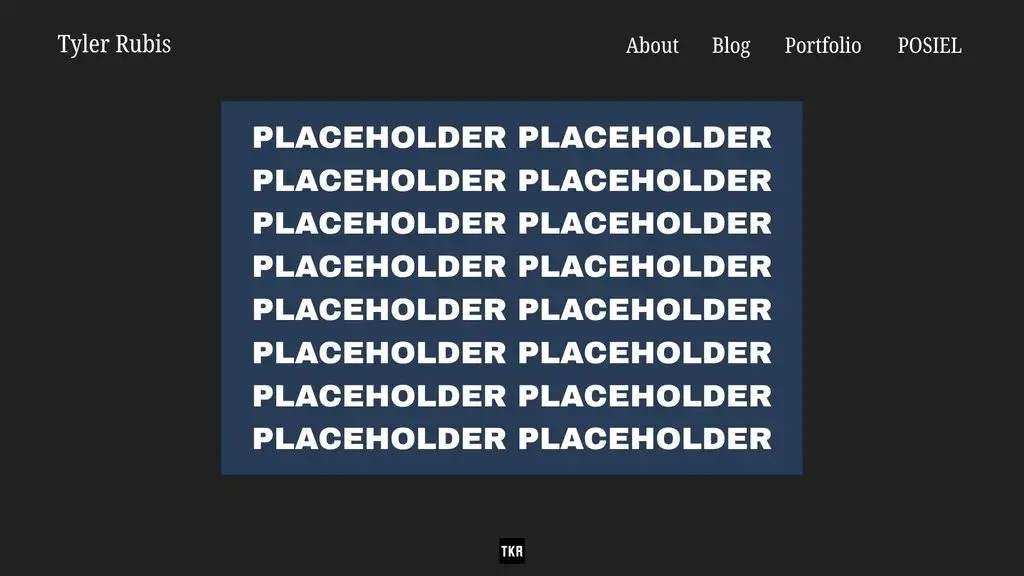
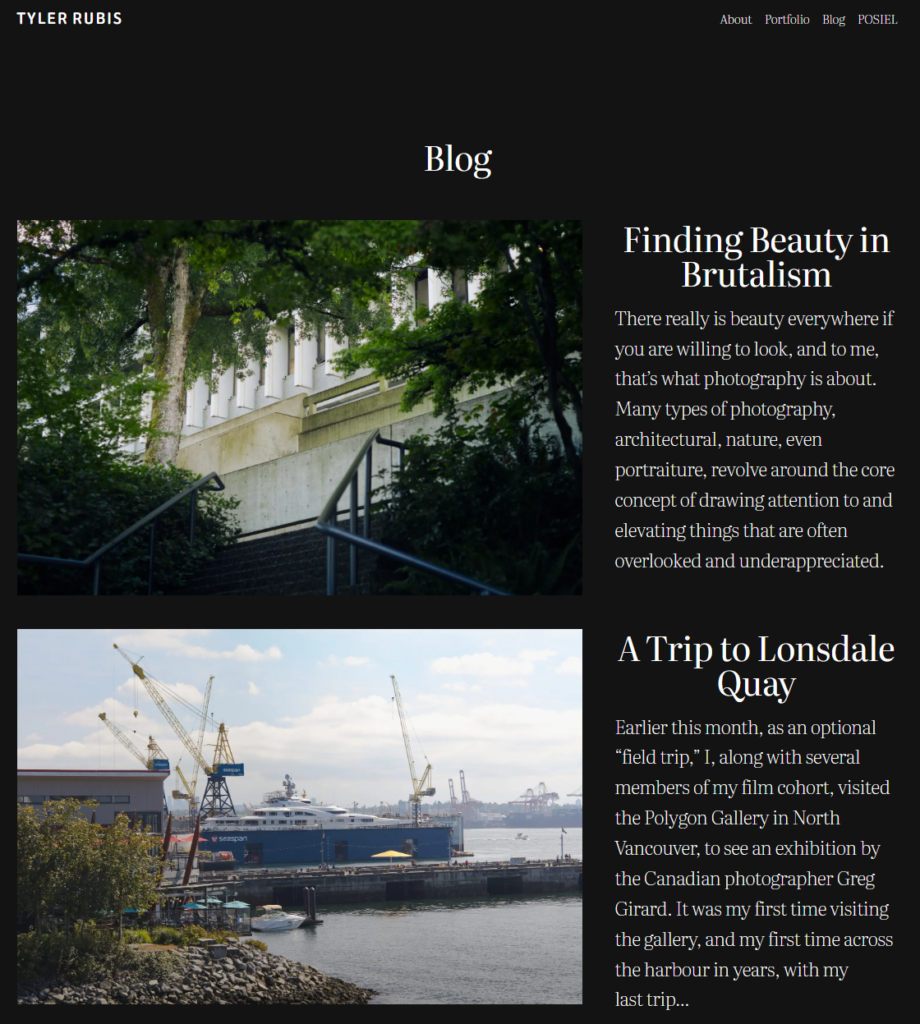
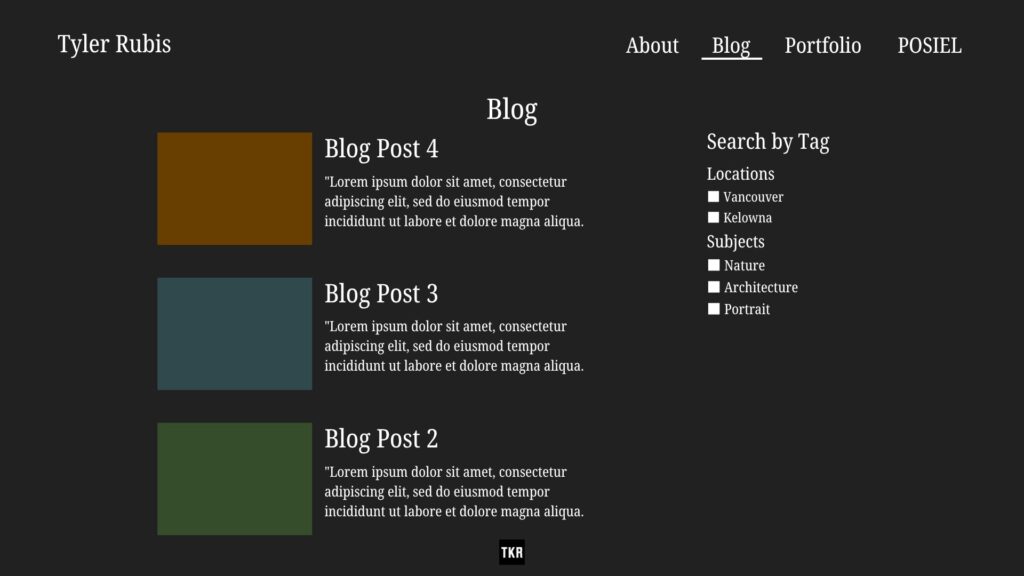
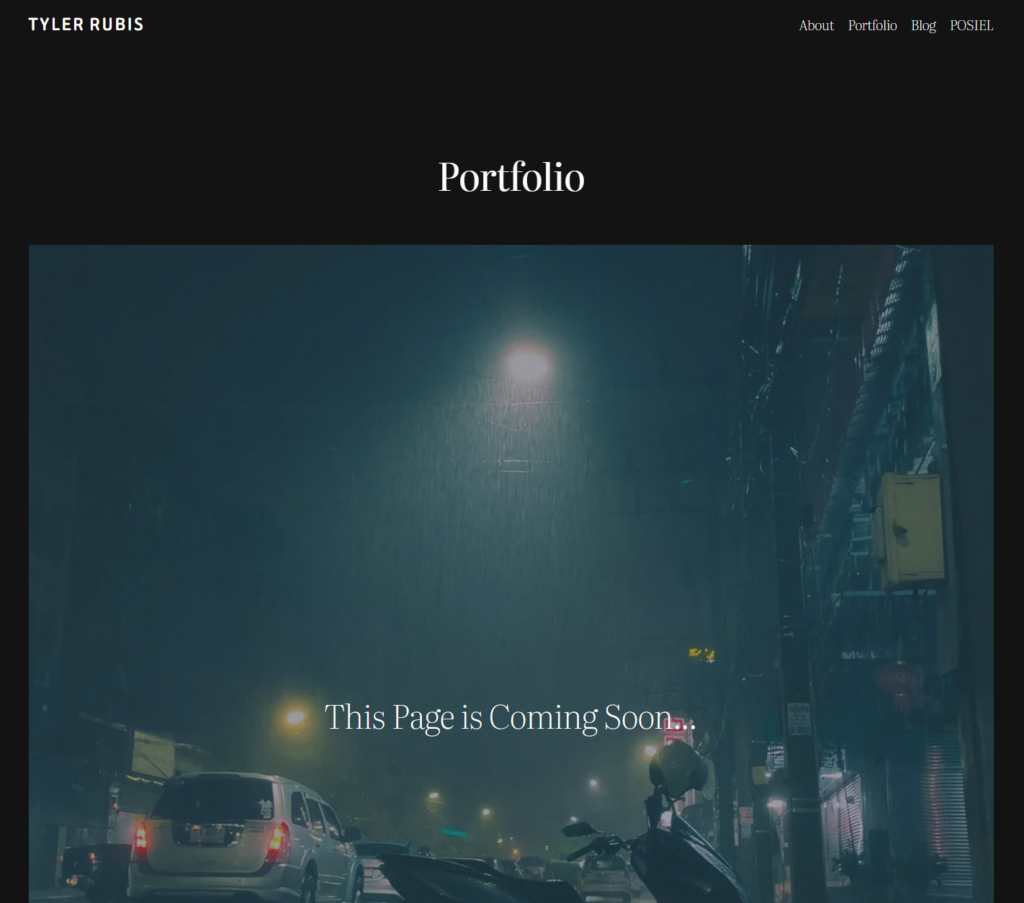
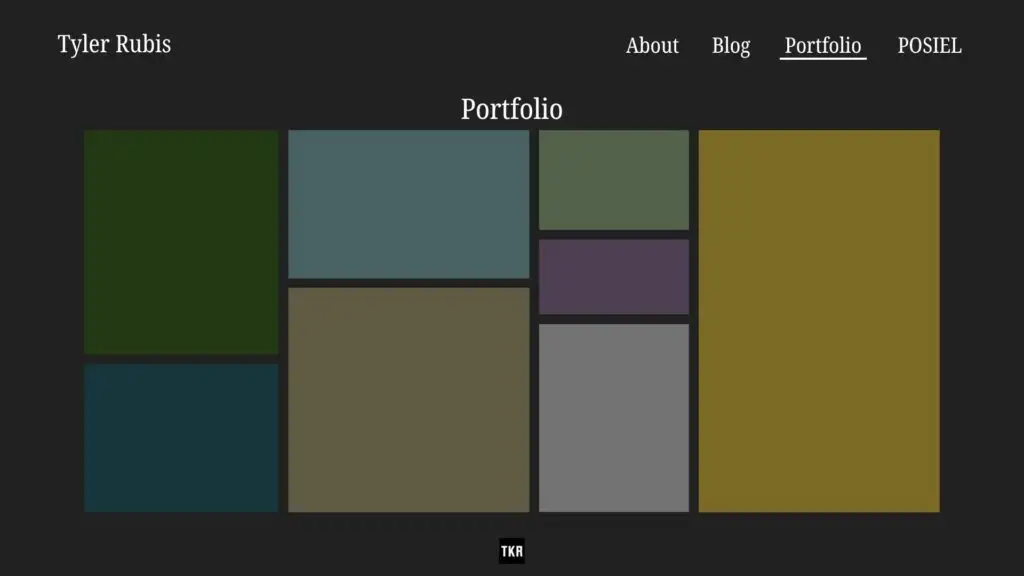
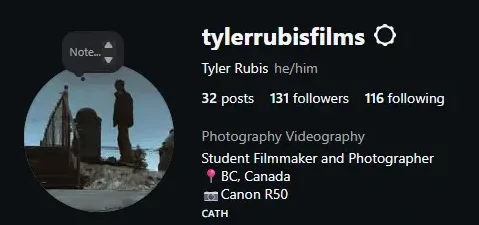
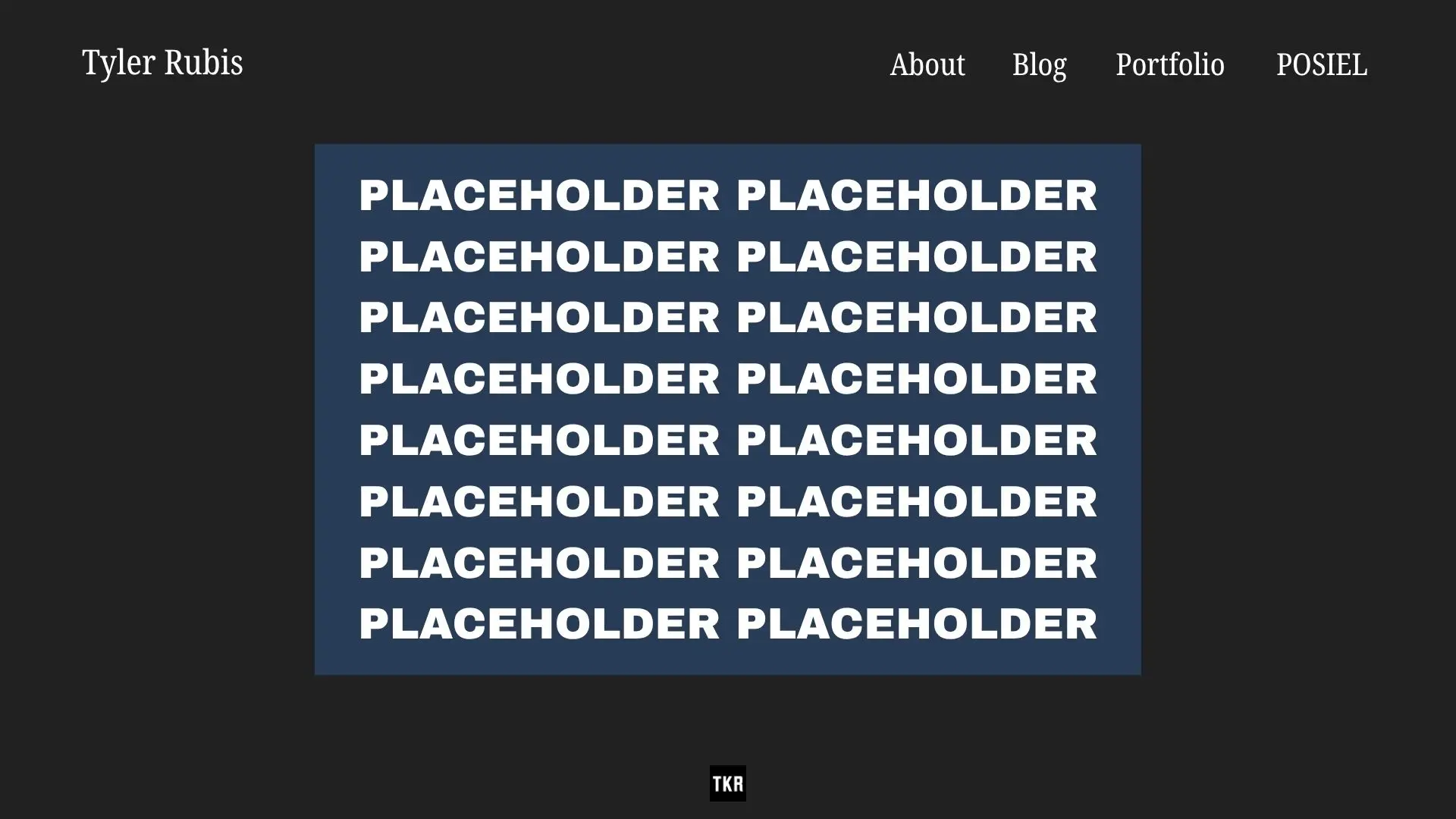
    I’ve gone through created mock-ups of how I intend to change certain pages on my site, to compare them to how the pages currently look. I posted these mock-up comparisons to my Instagram account @tylerrubisfilms to promote my website as well.

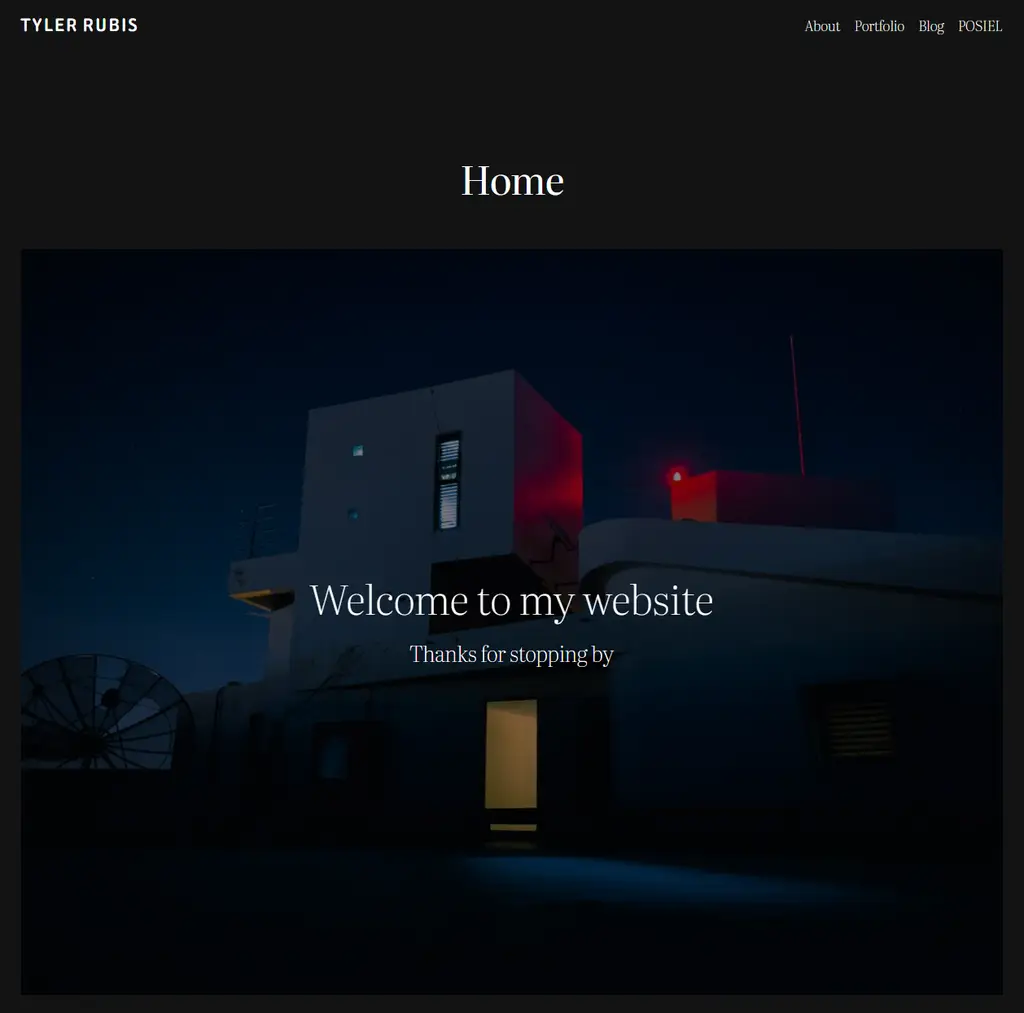
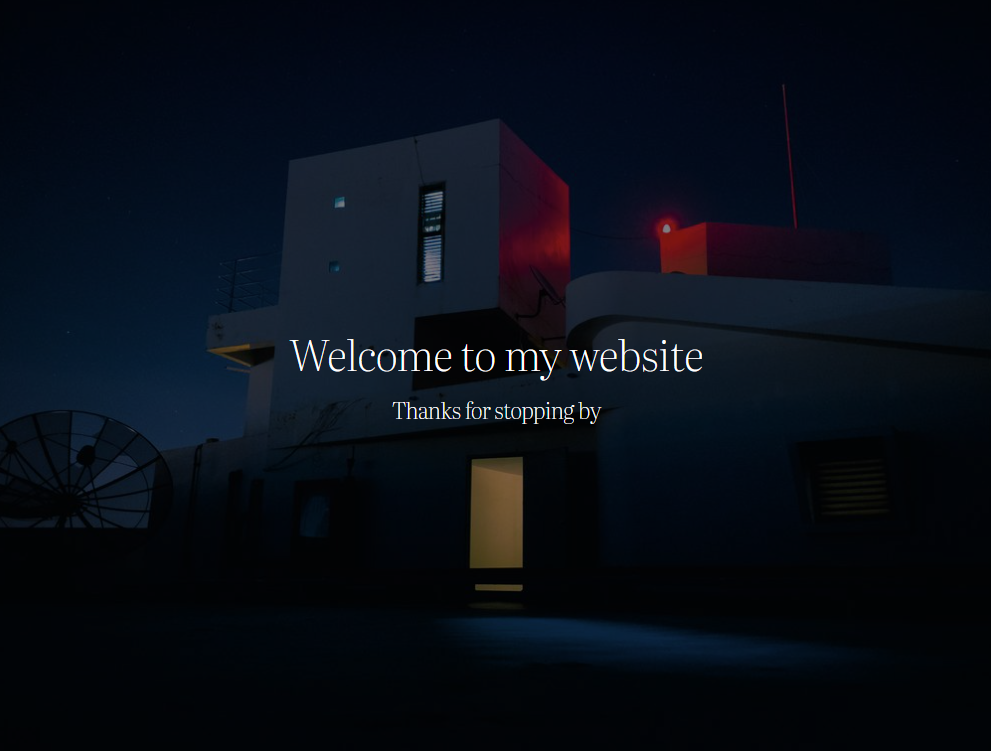
    Starting with the home page and general navigation, I’m planning to keep the overall appearance the same, with a single image and a short welcome message being the only piece of media on the page.

    As far as changes go, I want to replace the one still image with a gallery that will rotate through multiple photos one at a time. I also plan to make the navigation menu larger so that it is more visible and easier to access. I also want to minimize the gap between the picture/page title and the navigation bar, as I find the gap distracting.

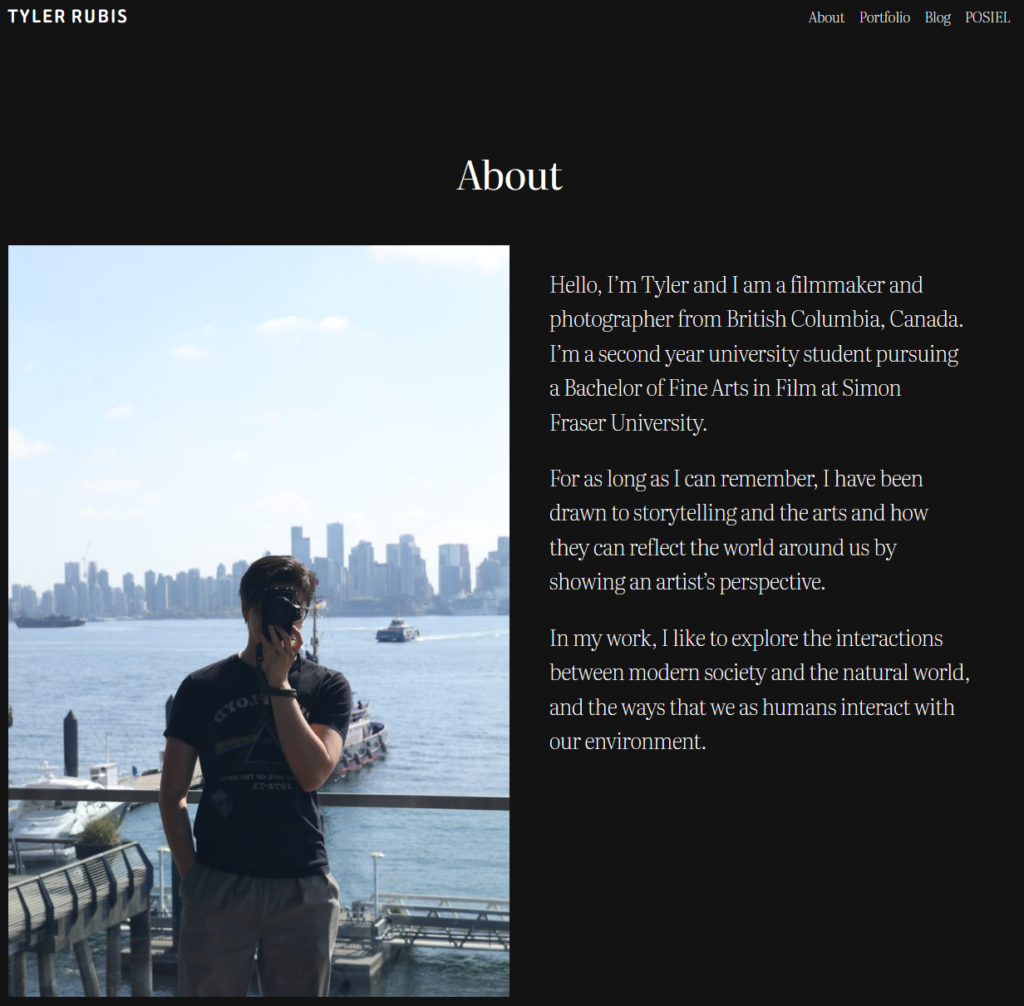
    For my About page, I mostly plan to add a bit more information about myself and my artistic vision and goals, as well as add a second section that highlights some of my achievements.

    For my Blog page, my main goal is to add search filters, so as I continue to write and develop my posts, users will be able to find specific topics without navigating through my entire blog history.

    This is where the most work needs to be done. I haven’t yet imported my existing photos and films into the site, but my goal is to work backwards, starting with the pictures that I’ve taken during this course that are complementary to my blog posts, and gradually adding my prior work,

    My objective is to create one big page full of photos, where the user can click on each one to enlarge it and reveal additional information, links to a related blog post, or other photos that are part of the series.

  • Site Setup and Installation

    Site Setup and Installation

    1–2 minutes

    I could say that my site setup and installation has been fun, easy, and straightforward, but that would be a lie. Over the last few weeks, I have been troubleshooting my website and have fully reset and restarted a handful of times. One of my biggest challenges initially was trying to find and work with a theme that didn’t require an additional purchase of a “premium” package in order to access all of the features. After several attempts to use other themes, I ended back where I started, with the default Twenty Twenty-Five theme from WordPress.

    As I went through, trying to set up my site, I knew the kinds of features and pages I wanted but had a hard time trying to implement them. As a photographer and filmmaker, I want my site to act as a portfolio, so I know that I want to have a page dedicated solely to my photos and information about my films. I also know that I want my blog posts and process posts to be neat and organized separately from my portfolio.

    Since I’m aiming for something similar, my main points of reference for my website’s design have been other photographers’ websites, particularly Greg Girard’s (www.greggirard.com) and Liam Wong’s (www.liamwong.com), as they are two of my favourite photographers. I also watched several videos on building websites with WordPress, 

    How to Build a Portfolio Website on WordPress (https://www.youtube.com/watch?v=Z5TbR5LV2cw) and How to Create a Portfolio Website With WordPress(2026) (https://www.youtube.com/watch?v=PAjcTYc86pg) 

    Since I already have an existing body of work, I’m aiming to import that to my site, while focusing my blogs on current projects and photos. My goal is to post a photo or photo series weekly, and go through the details and thought process in the blog, having a featured photo as well as a link to the series in my portfolio.